
How to Search Cases by Name
Marietta Municipal Court posts an official Record Search page for its docket. The form itself offers one Name/Company box rather than separate last and first name fields. Before the form appears, you agree to the CaseLook disclaimer. You also pass a CAPTCHA in a normal browser session. Type the last name, a space, then the first or middle name. Keep it within the 30-character maximum.
- Confirm that the matter belongs in Marietta Municipal Court rather than Common Pleas, Probate, Juvenile, or a Mayor's Court.
- Open Record Search, accept the disclaimer, and complete the required human verification.
- Enter Name/Company in the court's stated last-name, space, first-or-middle-name format.
- Use one search criterion at a time. Select a case type only when it helps narrow the municipal search.
- Open any lawful result only to follow the case, then ask the Clerk to verify a date, status, or copy that matters.
| Field label | Type | Required | Local format or use |
|---|---|---|---|
| Name/Company | Text | Optional, one criterion only | Last name, space, first or middle name; maximum 30 characters. |
| Hearing Date | Month/day/year selects | Optional | Searches by scheduled hearing date. |
| Case Number | Text | Optional | Numbers only, maximum 12 characters. |
| File Date | Month/day/year selects | Optional | Searches by filing date. |
| Ticket Number | Text | Optional | Maximum 32 characters. |
| Case Type | Checkbox group | Defaults selected | Traffic (TR), Criminal (CR), Civil (CV), Small Claims (SM), and Parking (PR). |
| Number of Matches | Dropdown | Optional | 25 is the default; 25, 50, 100, or 250 may be selected. |
The fields described here belong to the Washington County Municipal Court and appear once you complete the public entry sequence. They do not apply to CourtView, Probate, Juvenile, a Mayor's Court, or a federal docket system.
Washington County Case Search Starts With Venue
No single clerk keeps every Washington County court record. The Washington County Clerk of Courts, Legal Division maintains Common Pleas civil, domestic, and felony criminal files. That office keeps the felony criminal docket alongside civil and domestic matters. Marietta Municipal Court holds countywide municipal, misdemeanor, traffic, small-claims, limited civil, and preliminary-felony-stage cases. Probate and Juvenile each name their own clerks.
Because of that split, one felony can leave a record in two places. Its early stages sit in Municipal Court, and the later stages move to Common Pleas. A traffic citation may instead point to a Mayor's Court. Always match the court name first. That way an empty result is never mistaken for proof that no record exists.
The court name also tells you who can answer a copy or hearing-date question. The County Commissioners' office will sometimes forward a specific public-records request. But that channel never replaces the court or clerk that keeps the original case file.
Sources: the County's Clerk of Courts page and the Marietta Municipal Court jurisdiction page.
How to Search by Case Number
Search the number in the court that assigned it. In CaseLook, the Case Number box takes digits only and caps input at 12 characters. The court also provides a separate Ticket Number box with a 32-character maximum. These are distinct fields. Never force a citation number into the numeric case-number field by guessing.
The municipal online-payment materials show one more wrinkle. Multiple charges on a single ticket can appear as separate case references with trailing letters, like TRD10000001A. That example comes from traffic payments. It is not a universal Common Pleas, Probate, or CaseLook format. So leave the letters alone and invent nothing when the court or number source is unclear.
For Common Pleas, CourtView sits behind its human-verification step. The court publishes no field list or universal local number format on the public side. If the public route cannot find the file, give the number from your notice directly to the Legal Division.
Washington County CaseLook Search Rules
CaseLook puts two gates in front of its form. You must agree to the legal disclaimer and clear a CAPTCHA first. Then the court tells you to search one piece of information at a time. Selected type boxes and result limits of 25, 50, 100, or 250 let you manage a broader search. But the form will not stack several identifying criteria together.
Timing matters too. Municipal filing and judicial-action data can lag 24 hours or longer. The court also warns that displayed data may be altered, amended, or modified without notice. So treat any result as the starting point of a public case inquiry. For verified information, the court's named route is a request to, or visit with, the Municipal Clerk.
Search type matters. TR means Traffic. CR means Criminal, CV means Civil, SM means Small Claims, and PR means Parking. All options start selected. Narrow them only after you know the court and record category. Behind this municipal form, the court offers no general statewide search.
CaseLook timing note: The court says online records update every 24 hours, yet a filing or action can still appear later. A new absence from CaseLook is not a reliable basis for a final conclusion about a municipal case.
What a Case Search Shows
What appears inside an individual CaseLook or CourtView record depends on passing the human-verification gates, and the public record views sit behind them. Exact columns, tabs, document images, and status labels can vary from screen to screen. Treat the table as a map of the parts a court docket usually organizes, not a promise that every Washington County public display carries each piece.
| Case identifier and court | The number and court needed to connect a record to the right custodian. |
|---|---|
| Style or parties | The case caption identifies the parties or proceeding in the court record, subject to lawful restrictions. |
| Filings or charges | The paperwork or charging/claim history that begins the court record. |
| Entries and settings | Chronological notices, hearings, motions, orders, and other court actions. |
| Disposition and costs | Later outcome and financial information where the case and access rules allow it. |
Need the official paper rather than a status view? Ask the record-owning clerk for the particular docket, order, judgment, or filing.
Washington County Case Search CourtView Limits
For Common Pleas records, the published public route is CourtView eAccess. Only a portion of its records are online, the welcome screen says. A public search must clear an image CAPTCHA first. Treat the portal as a partial docket index. It is not a promise that fields, filters, docket tabs, or document images wait past the gate.
CourtView names what the online portion excludes. Court of Appeals, Domestic Violence, Anti-Stalking, and Protection Order records all sit outside it. The screen also carries separate public-search, log-on, and eFile controls. That layout alone proves nothing. It does not establish that an account is required. It does not show that every record is online, or that the eFile control is a public filing right.
Older cases can force a physical records route. The County Clerk reports that most court records were recorded on microfilm. Staff help with a reader-printer is available. Call it a fallback. It is not a promise that every older file is ready for remote viewing.
When the public route stalls, contact Washington County Clerk of Courts, Legal Division, 205 Putnam Street, (740) 373-6623 ext. 2503. The same applies when a verified copy is what you need.
County vs Statewide Case Search
Ohio advertises no single statewide public trial-court docket portal that replaces the Washington County court systems. The real choice is not statewide versus county. It is court by court. A searcher picks either the local public route or the clerk and court that hold the particular file.
| Search route | Coverage | Best use |
|---|---|---|
| General Ohio trial-court portal | No single statewide public portal was identified for local trial-court dockets. | Do not substitute a statewide search for the court named on the case paper. |
| CourtView eAccess | Published online portion of Washington County Common Pleas records, with stated exclusions. | Start a Common Pleas public search, then use the Legal Division for gaps or verification. |
| Marietta CaseLook | Marietta Municipal Court records after disclaimer and CAPTCHA steps. | Search municipal, traffic, misdemeanor, limited civil, or small-claims matters using one criterion. |
| Probate or Juvenile clerk | Division-specific records with their own access rules. | Use direct clerk contact; do not expect either division in the municipal search. |
Think of the comparison as a routing tool. It steers a person to the court system that owns the known case. A single portal hit is not a complete Washington County case search.
Washington County Case Search Fallbacks
A missing online result has many causes. Maybe the court is wrong, or a CAPTCHA blocks the way. Posting may lag. An older record may sit undigitized, or a lawful restriction may apply. For a Common Pleas civil, domestic, or felony record, call or visit the Legal Division. Most county court records were recorded on microfilm. The Clerk's Other Services page names a microfiche reader/printer with staff help for older-record research.
Municipal cases start with Record Search. Then ask the Clerk at 259 Butler Street or (740) 373-4474 for verified information. Probate questions go to the Probate Court Clerk, ext. 2413. Juvenile questions go to the Juvenile Court Clerk, ext. 2422. Access restrictions apply. The county public-records form can route a specific administrative request. But it is not the first court-file search route when the holding office is already known.
The county's public-records request form sits on the county FormCenter. It spells out what a records request should contain.
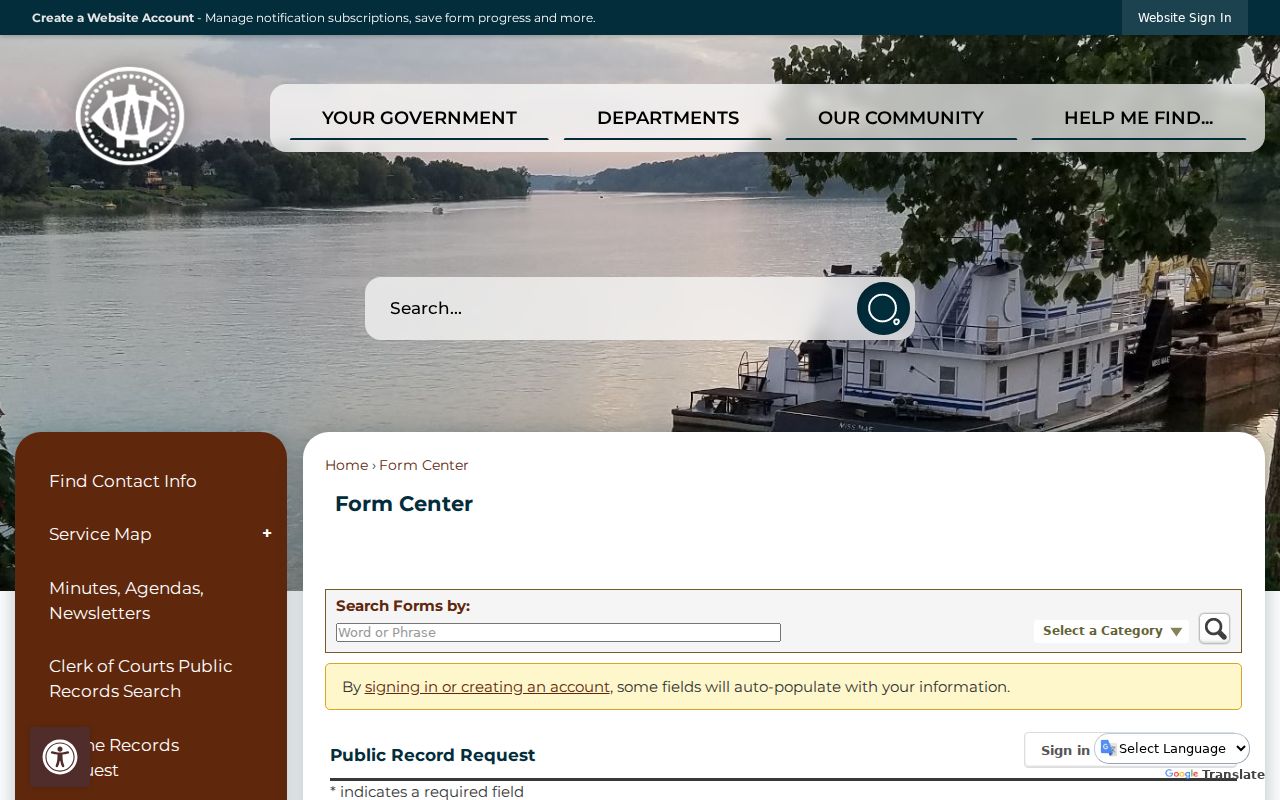
The form can help route a specific request. For a known court file, direct contact with the court clerk stays the sharper option.
Restricted Cases and Access Rules
Ohio's Rules of Superintendence presume public access to court records. Remote access is different. Online publication can be limited. A court can restrict access by written order when the required standard is met, so a docket entry may stay public while an attachment sits redacted or unavailable remotely.
Juvenile material, personal identifiers, sealed matters, and confidential family-file content carry special limits. Washington County Local Rule 40 places a Notice of Filing in the public file for certain domestic matters while keeping listed confidential family-file content separate. A search gap is not proof of sealing. For the lawful access process, ask the record-owning court.
Marietta's policy favors the least-restrictive tool. Its list runs from redaction and remote-access limits to time limits, generic titles, and initials. A public journal entry records any restriction. That is why a case-history item can be visible while its related document is not.
Washington County Case Searches Exclude Federal Cases
A federal case is not a Washington County Common Pleas or Municipal Court file. Federal civil, criminal, bankruptcy, and appellate dockets run through the federal court system. No county search reaches that layer. The systems do not mix. The official PACER Case Locator is the separate starting point for federal case information, and its records should never be described as county court results.
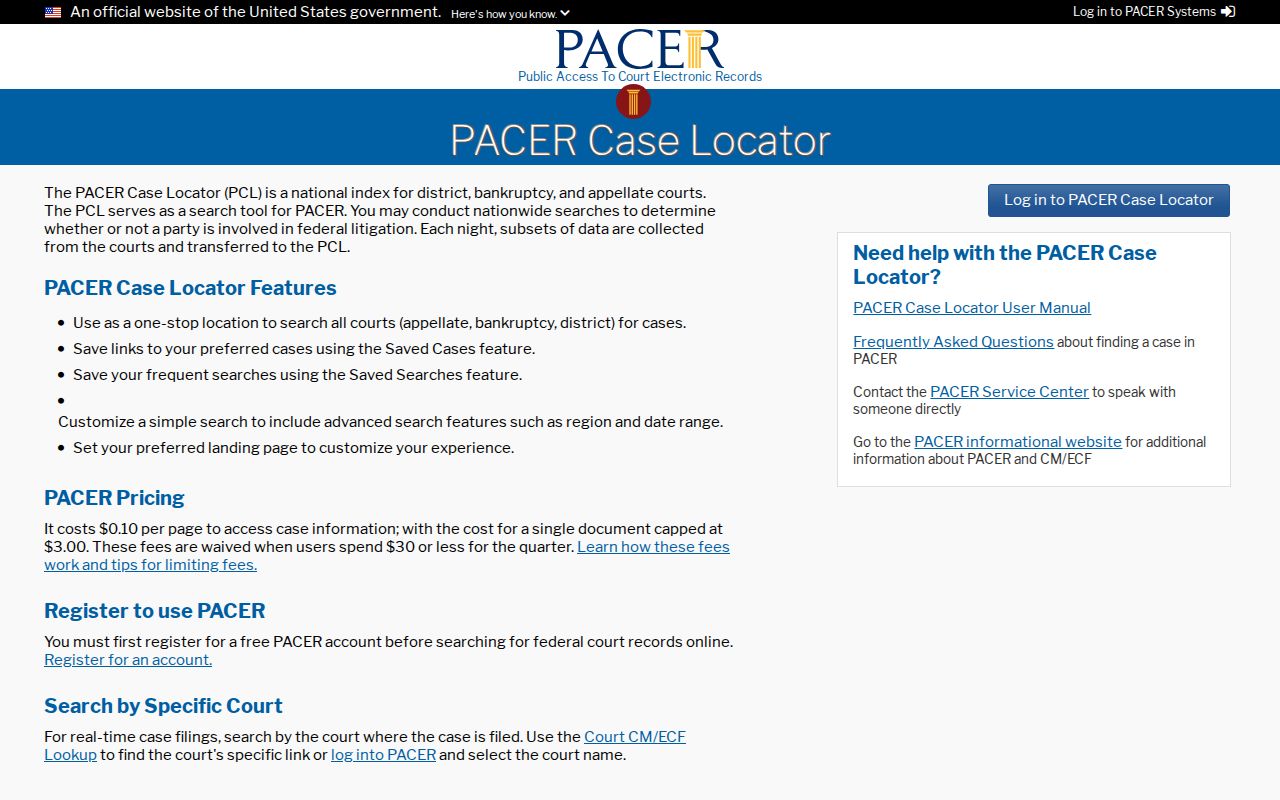
The PACER interface separates federal dockets from Washington County court and clerk searches.